01 · Daily brief
A daily brief each morning
One short read: Safe to Spend and how it moved, yesterday’s spending against your usual day, bills due in the next 3 days, and how the month is pacing. A bill your cash does not cover, or a bank that needs reconnecting, goes to the top.
On Mondays it adds last week’s spending, your net worth change since last Monday and how far your Freedom Date moved. Pick a time between 5:00 AM and 11:00 AM in Settings > Daily Brief, or turn it off.
02 · Alerts
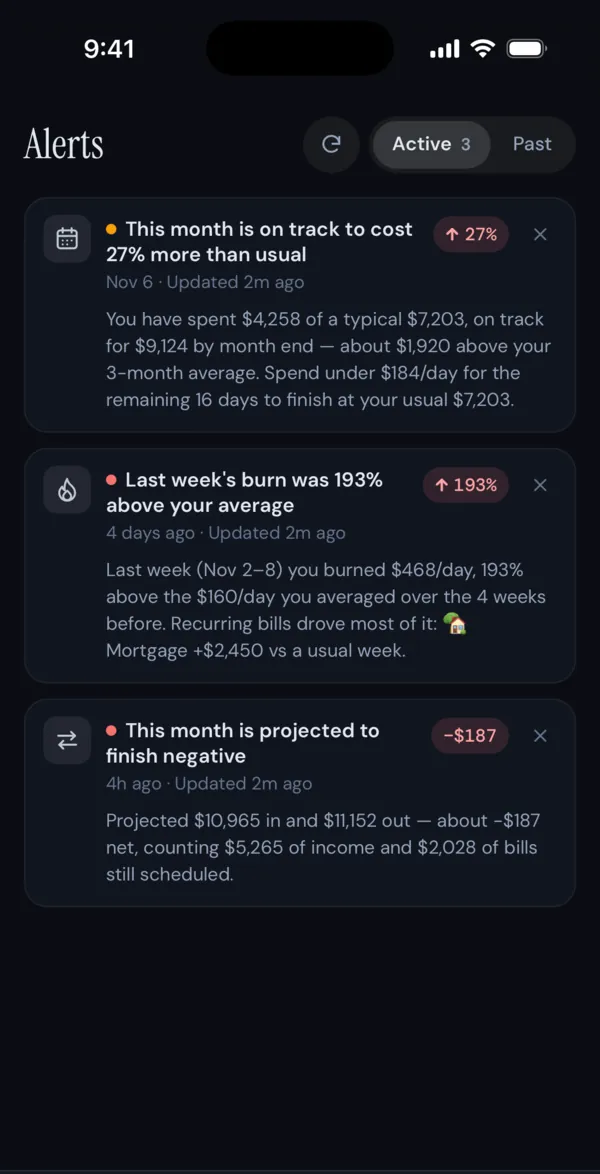
Alerts when spending drifts off pace
Alerts watch whether a category, or the month as a whole, is heading over your budget or your usual. There are seven types, including Budget pace, Spending trend and Bank connections, and each has a threshold you can change.
Noise limits keep them quiet: a minimum dollar amount, a cap on category alerts at once, and no pace alerts before day 7. Alerts show in the app and, if you turn them on, as push notifications. FIYR never emails them.
03 · Ask Fiyr
Ask Fiyr about your own numbers
Ask in plain English: “What did I spend at Costco this year?”, “When do I hit $1M?” or “Can I afford a $40,000 car?”. Ask Fiyr looks up only what that question needs, answers from your data, and draws a chart when you ask for one. Decision questions come back as a decision report.
It never moves money, edits transactions or sees your bank login. You can also connect FIYR to Claude or ChatGPT and ask there.
04 · Fixed and recurring goals
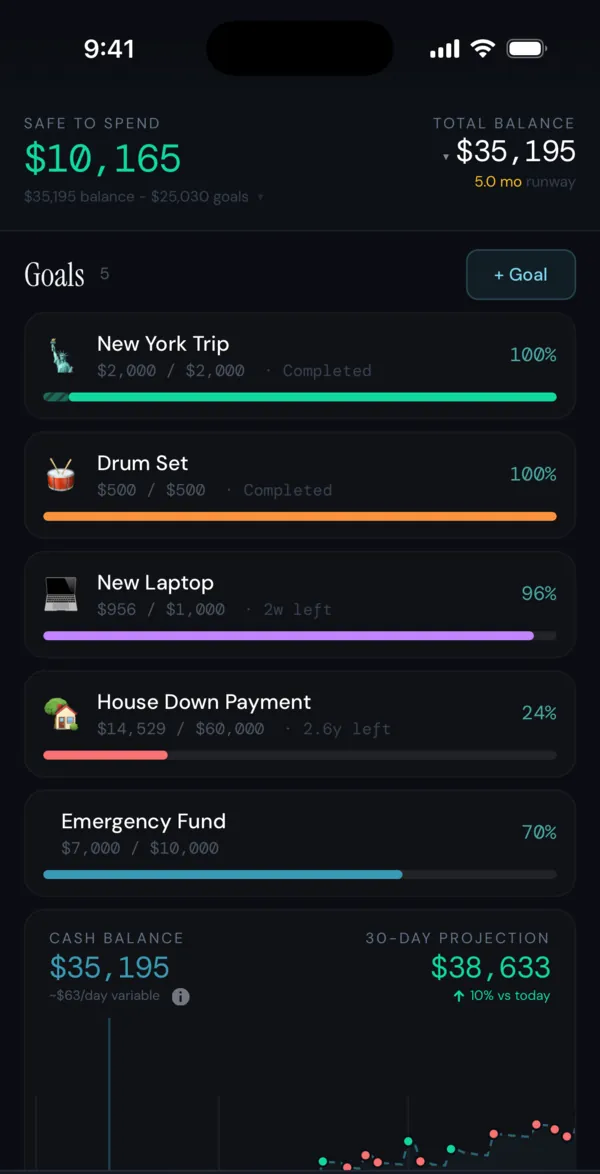
Goals that keep themselves on schedule
A Fixed goal has dates and a daily target. Auto Save tops it up to its schedule each time you open Goals, Recurring repeats it after the end date, and Count in my plan takes it out of your savings on the FIRE page so your Freedom Date accounts for it.
05 · Split transactions
Work expenses and mixed charges
Split a charge that was partly personal into parts with their own categories, and tag anything you will be reimbursed for with a label so you can find it later.
06 · FIYR Rewind
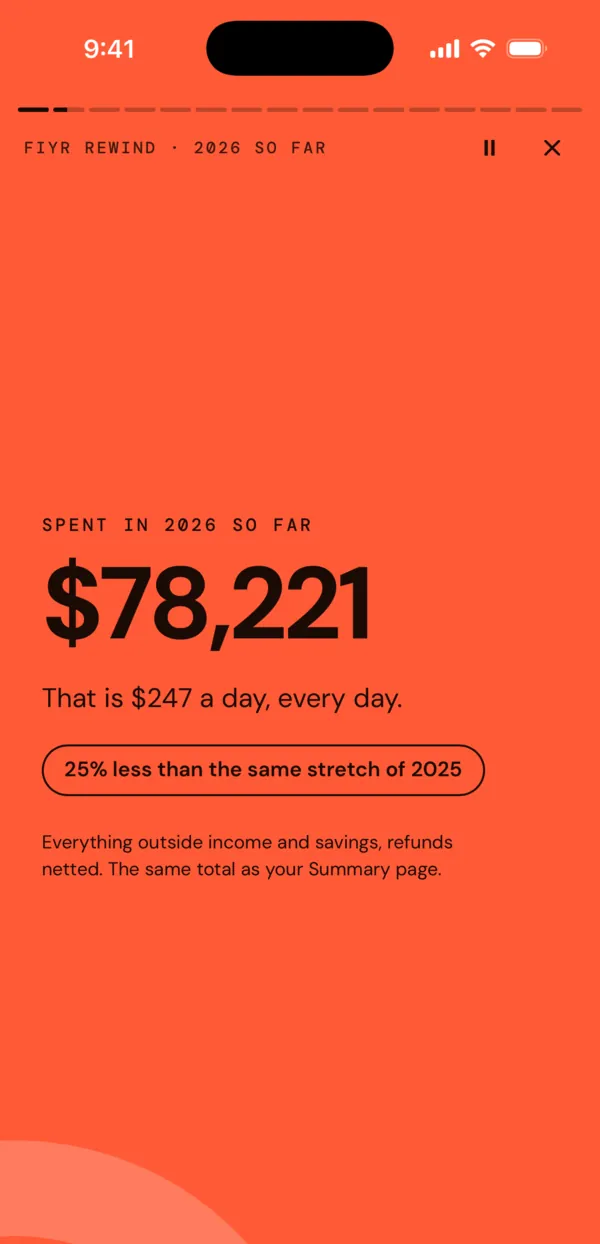
The year in review
FIYR Rewind plays your year back: what you spent and kept, your top merchants, the trips you took and how your Freedom Date moved. The last screen is a card to share, with no dollar amounts unless you turn on Show amounts.
Good to know
- Ask Fiyr needs an active subscription or free trial and has a daily allowance. It is on at fiyr.app, including your phone’s browser, and is being switched on separately in the iPhone app.
- The daily brief is made when you have linked accounts. Without notifications turned on, it is still kept in the app each morning.
Phone screenshots are from the FIYR iPhone app on the demo account, so the numbers are sample data. The iPhone app is coming soon to the App Store; the same screens work in your phone’s browser at fiyr.app today.